Report builder
Valified

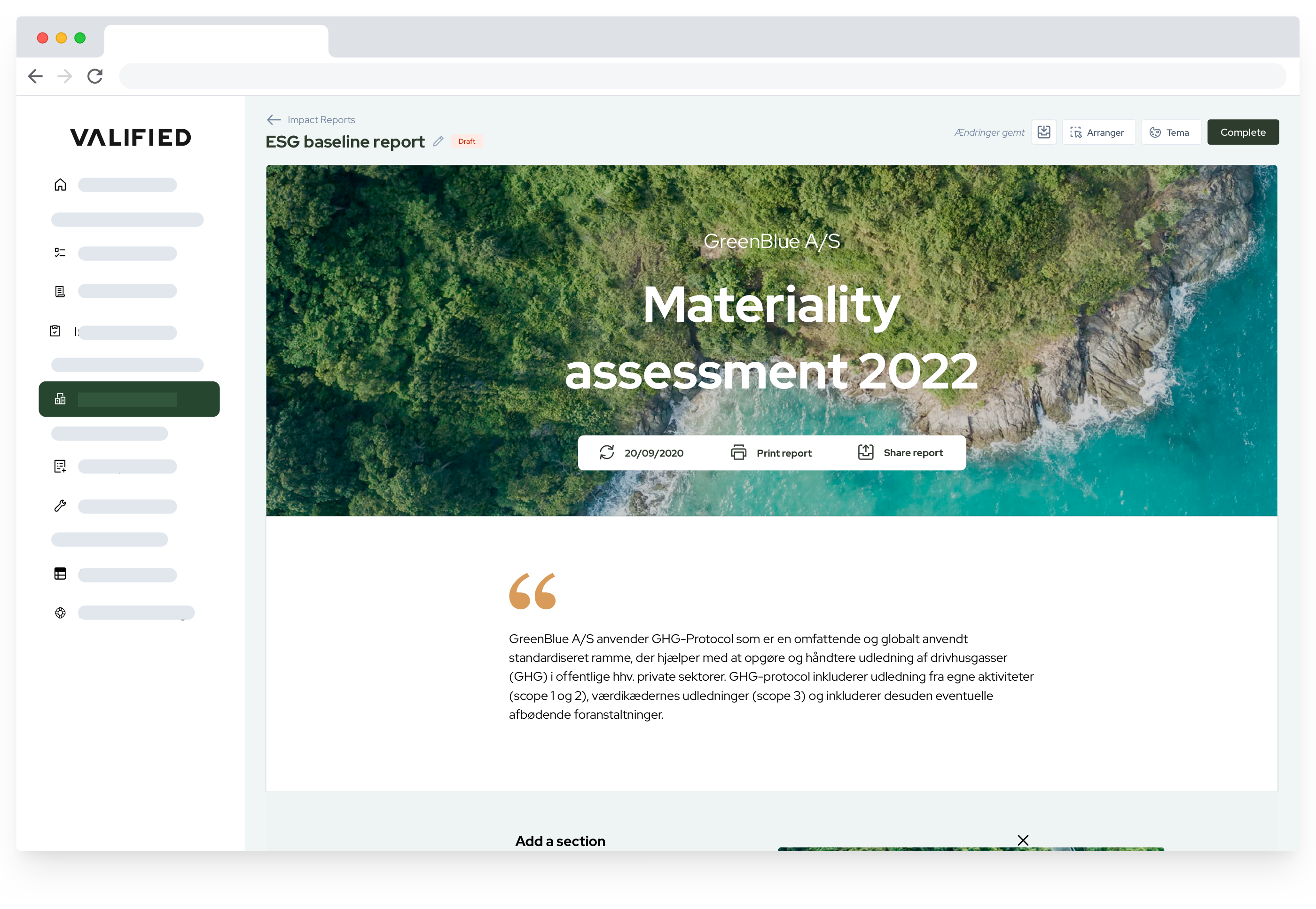
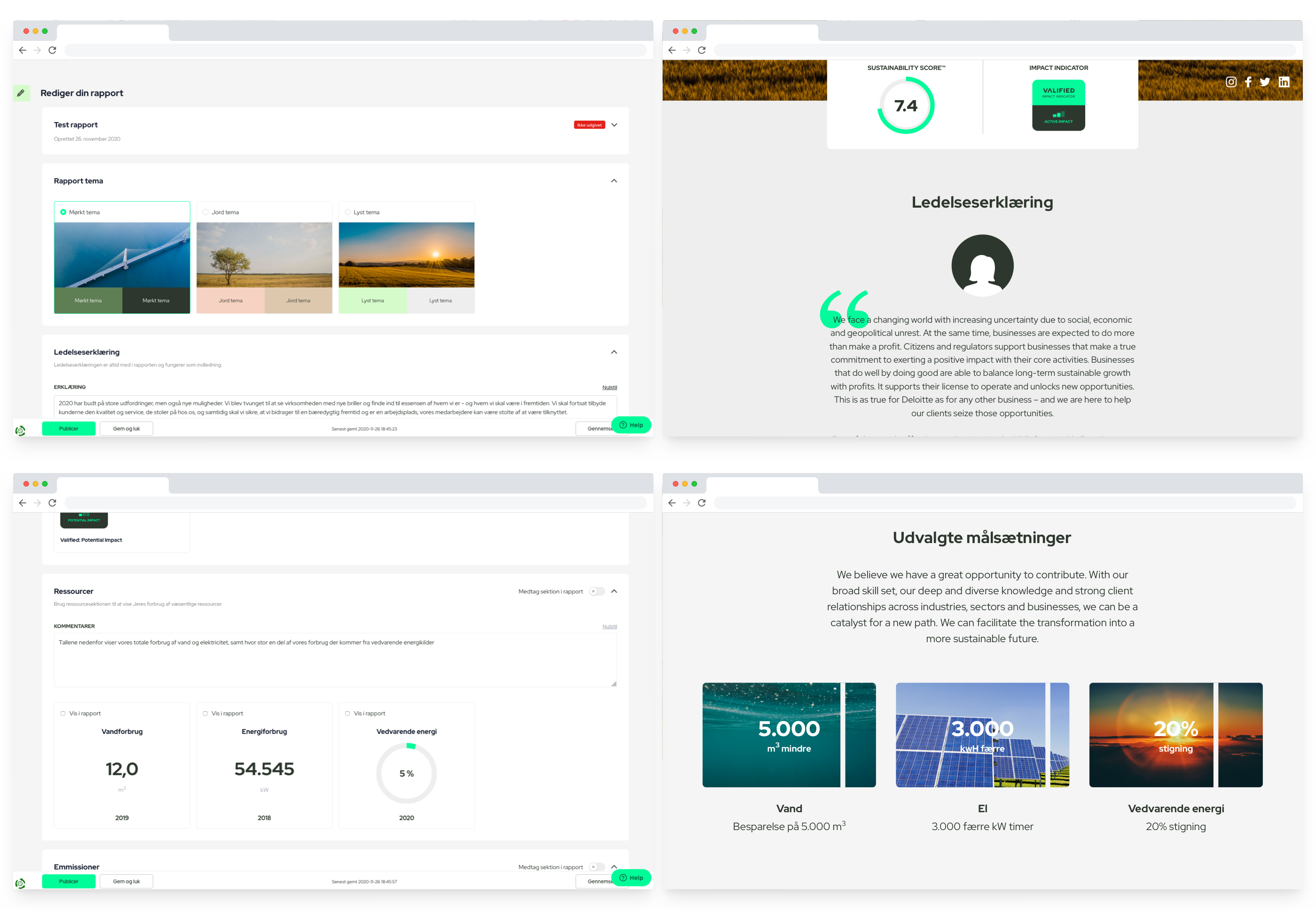
Valified’s smart Report Builder empowers users to effortlessly create and customize professional sustainability reports, showcasing their ESG efforts. Allowing them to share the impact seamlessly and meet FSR's ESG reporting requirements, while ensuring a professional and compliant presentation for the business.
Problem

Users need a tool that enables them to report on their ESG activities and showcase their progress to stakeholders. They need a tool that allows them to display ESG data and effectively communicate all the initiatives they are undertaking to drive improvement.

Existing product

Valified previously had an existing report builder that posed challenges for users, making it difficult to create reports. The old builder required users to switch between states to visualize the final report before proceeding to publishing. With the new solution, our goal was to empower users to build reports more efficiently, minimizing the number of steps required.

Assumption

Simplifying the existing report builder and eliminating unnecessary steps will empower users to work more quickly and effectively. This, in turn, provides them with greater flexibility and enhanced functionality.

Discovery

In the initial phase of the discovery process, we sought a better understanding of our users' processes behind report creation, aiming to learn more about their needs. Essentially, we were addressing the question: How might we simplify and enhance the report creation process for our users? Additionally, we conducted a competitor analysis. Given that similar features are not common among other ESG platforms, we explored analogous tools. Website builders like Wix and Squarespace emerged as the closest matches to our product's vision and user needs. After analyzing the user experience, design, and features of these tools, we compiled a list of suggestions to improve our existing product. Having gathered all the suggestions and ideas, we selected those with the potential for the most significant impact and value to our users. We then created a User Story Map to guide our development process.
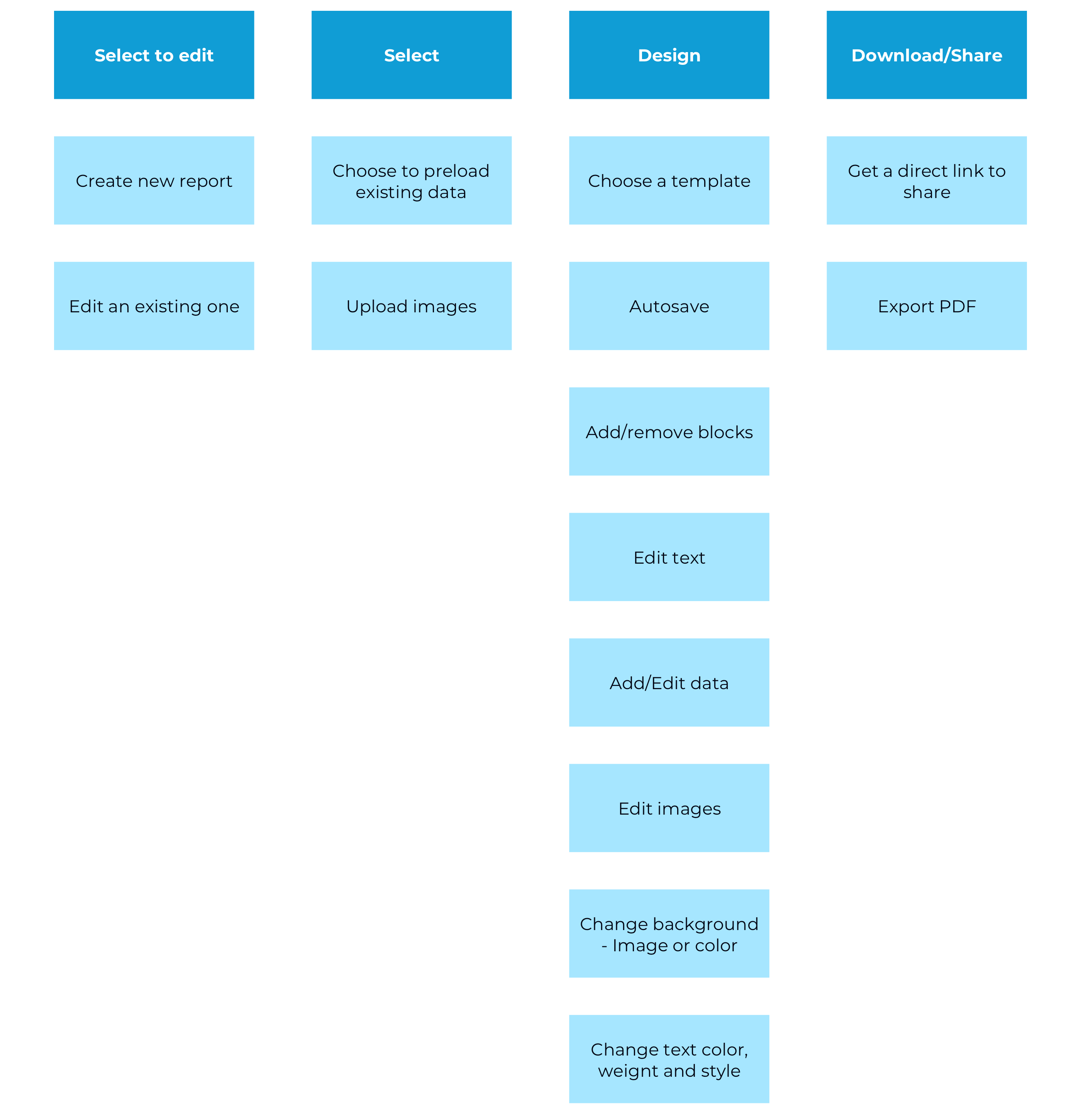
product's vision and user needs. After analyzing the user experience, design, and features of these tools, we compiled a list of suggestions to improve our existing product. Having gathered all the suggestions and ideas, we selected those with the potential for the most significant impact and value to our users. We then created a User Story Map to guide our development process.
Wireframes

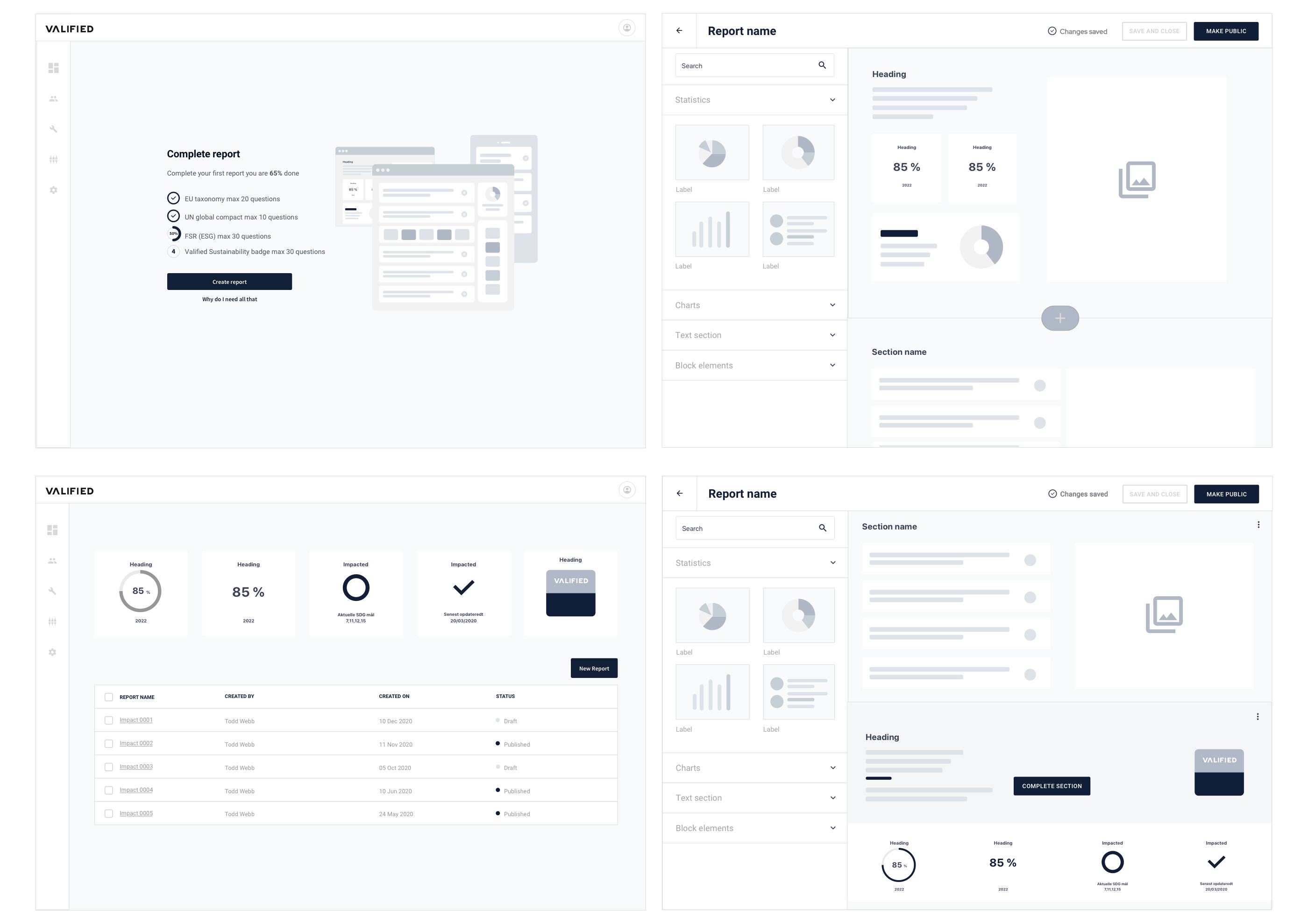
The next step in the process was to build a wireframes

The solution

Overview

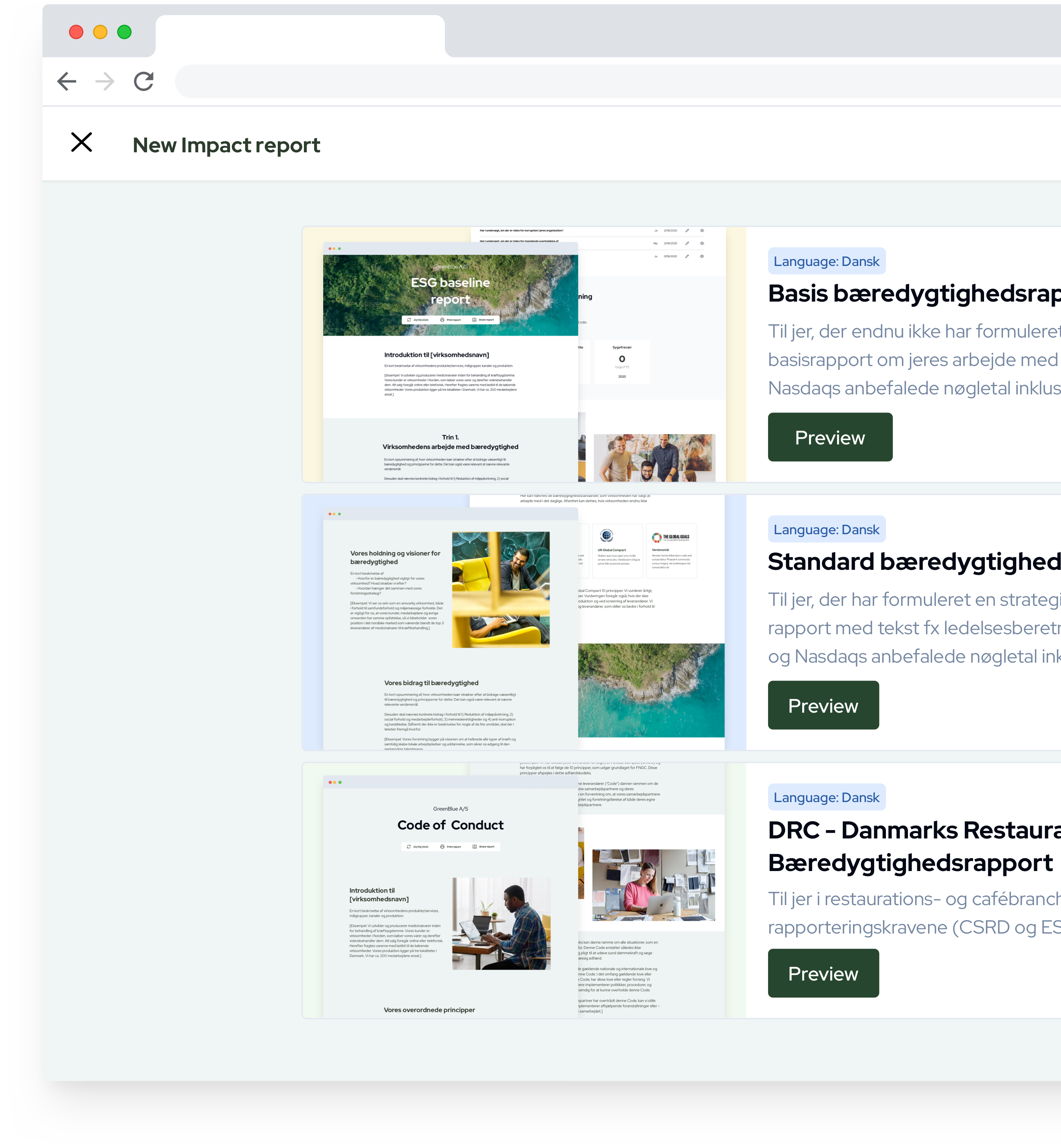
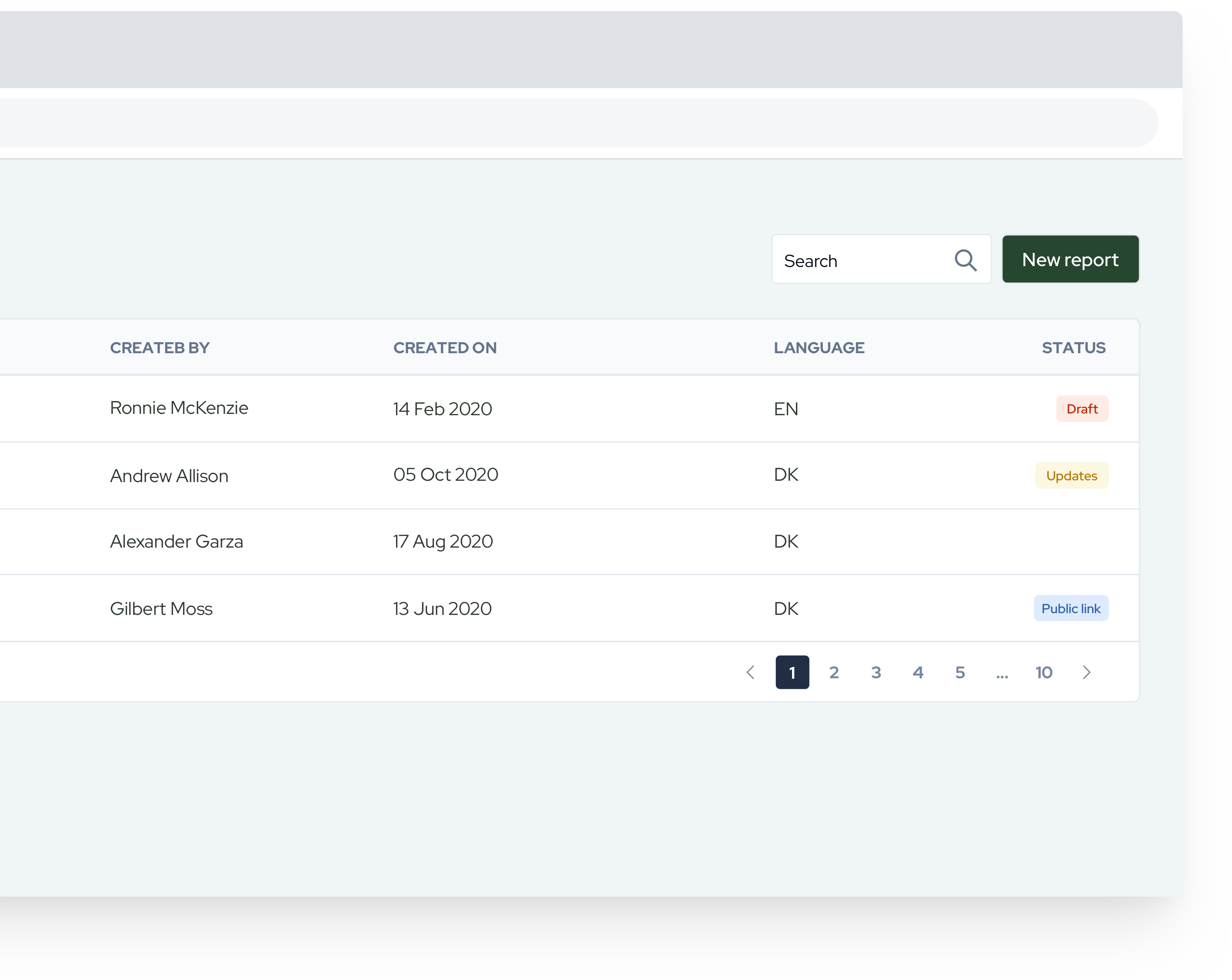
On the report overview page, users have the option to either work on an existing report or create a new one.

Templates

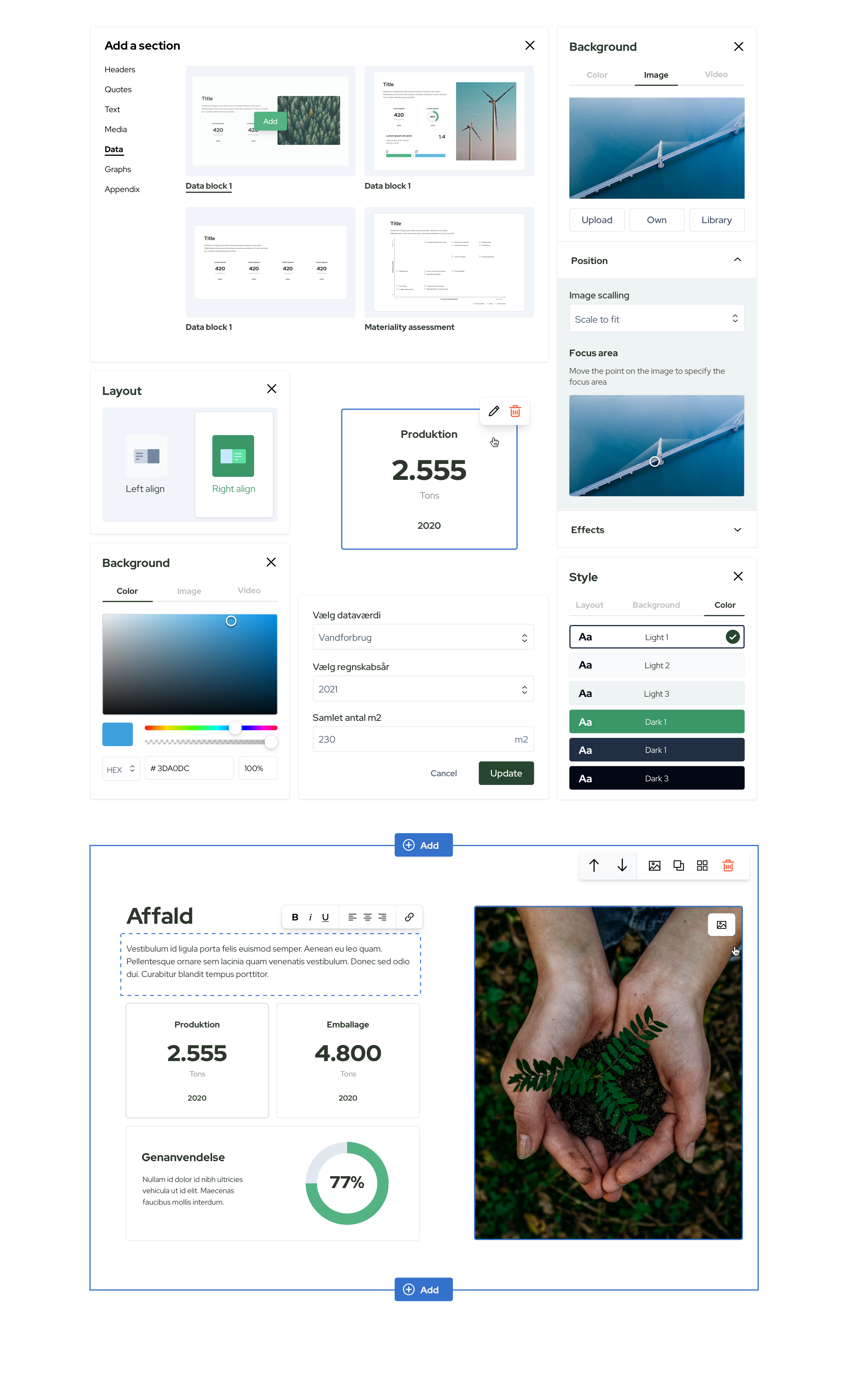
To expedite user workflows and facilitate a quick start, we have developed several templates covering various topics of potential user interest. These templates serve as a starting point, allowing users full control to customize and decide what to retain or remove.

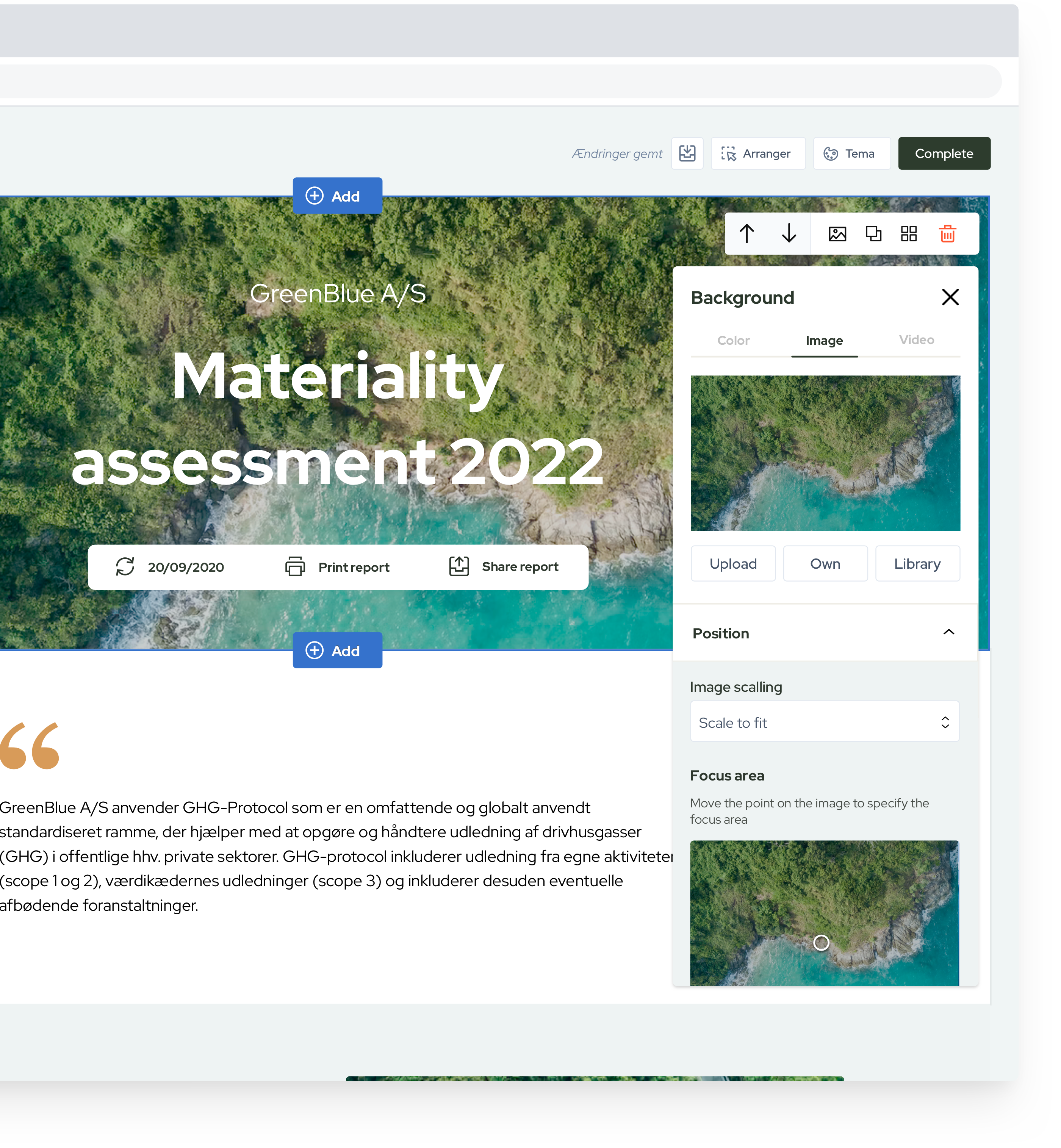
Image options

Each image in the report can be easily replaced with a custom one, either uploaded by the user or selected from a library. When inserting an image, users can also specify the "focus area." As the reports are designed to be responsive, users have the flexibility to choose which part of the image remains in focus when transitioning to different breakpoints.

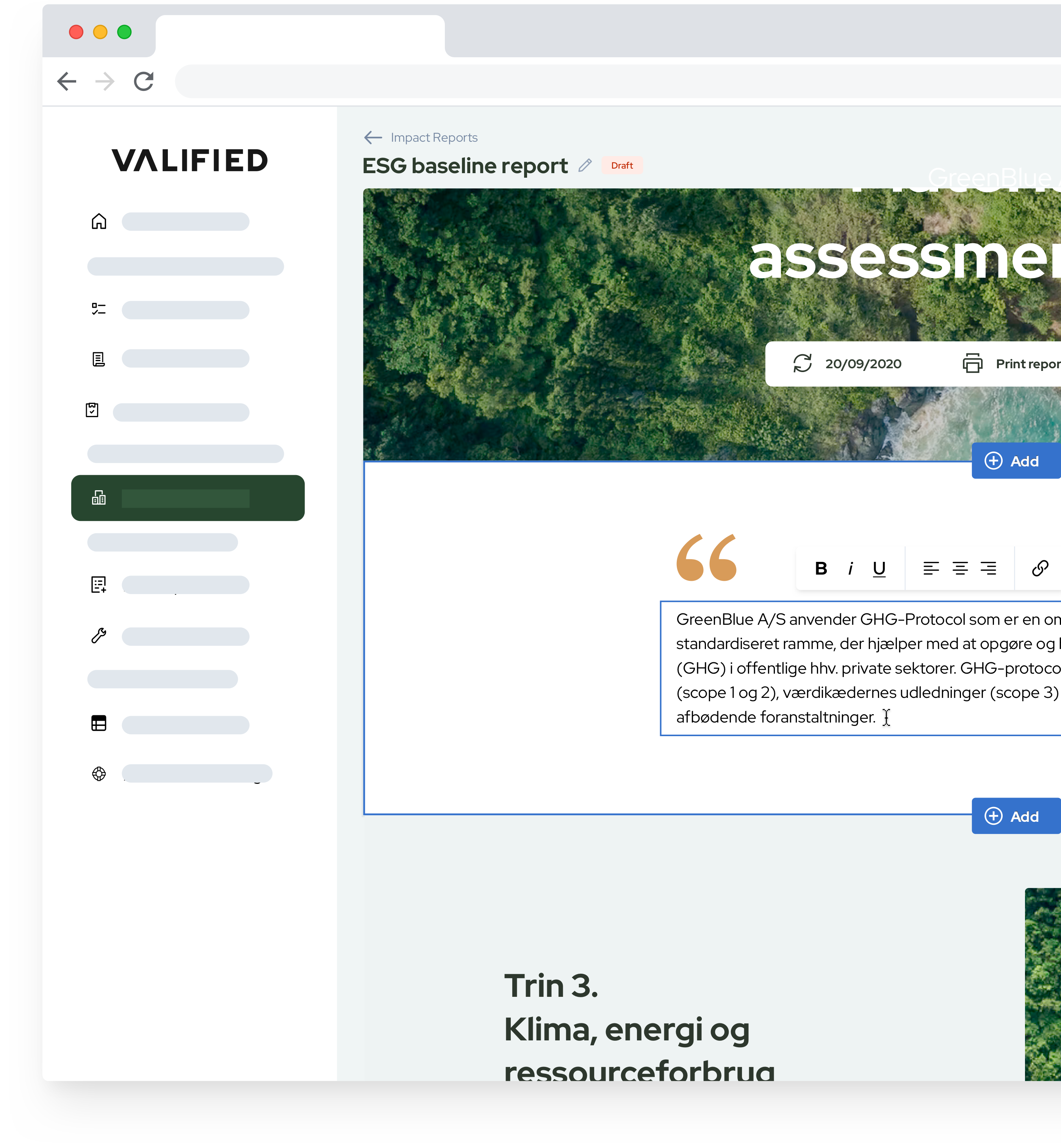
Text options

When dealing with text, users have specific expectations based on their experience with similar tools. Therefore, text should be editable inline, allowing users to perform basic styling.

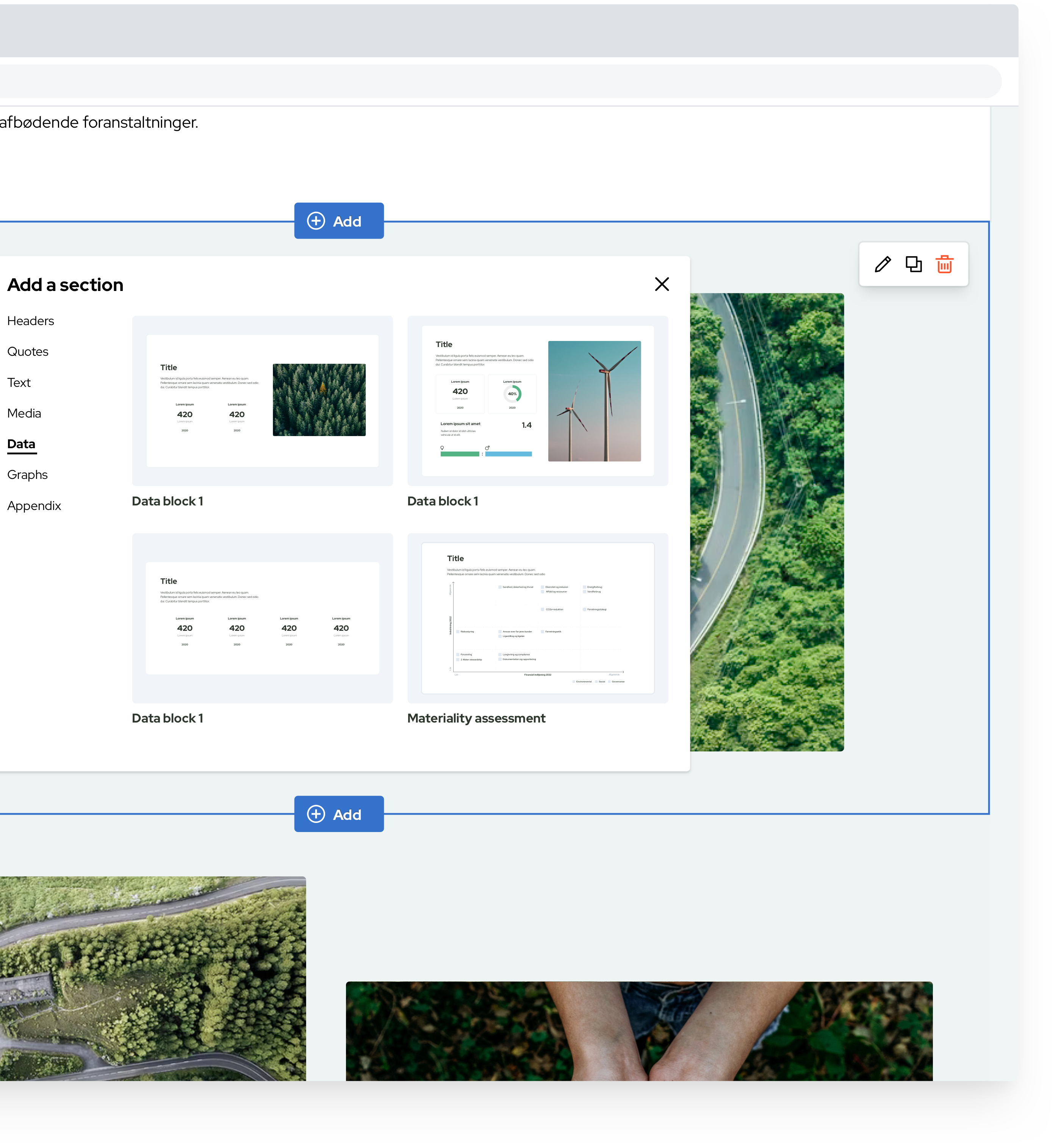
Blocks

To offer users greater flexibility, a set of additional blocks is provided. This allows users to construct reports tailored to different needs.

Working with data

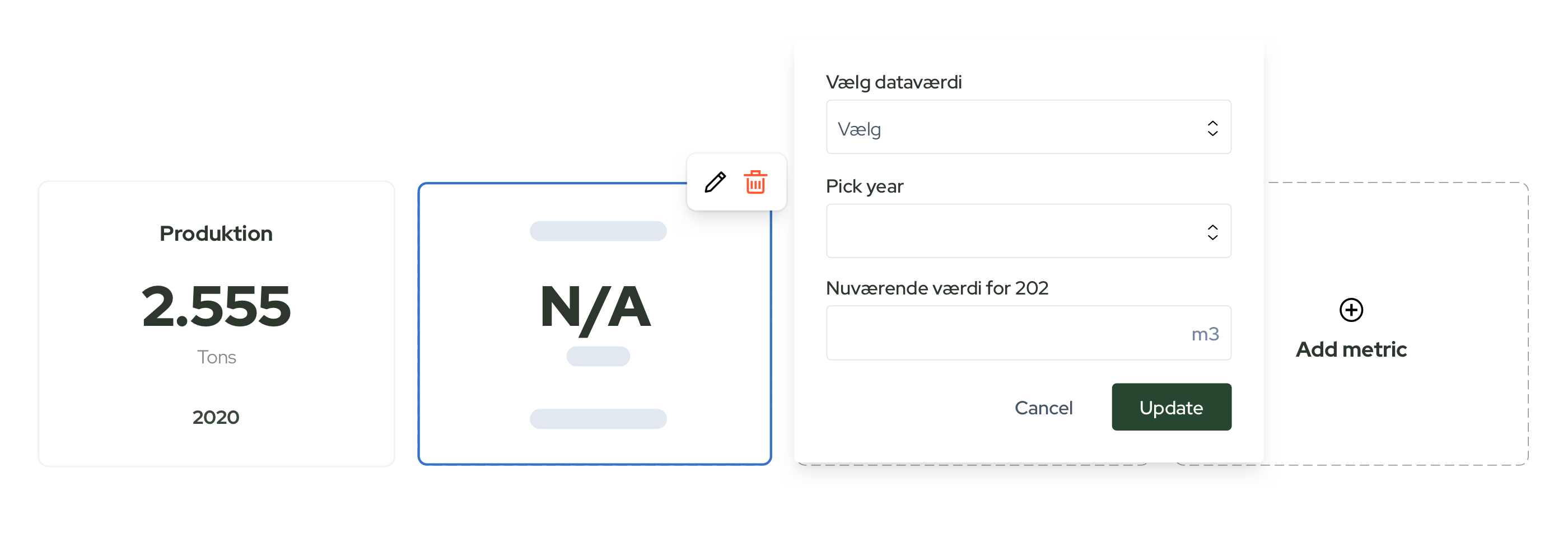
As ESG reports necessitate the display of data, users are equipped with a simple user interface to input or edit any datapoint.

Final result

The video below demonstrates the current features available to users and does not include any future iterations.
New components

Creating a set of additional elements following the established design language. During the deisgn of every new element, it is considered their potential future scalability as well as cross use, from existing or new sections of the.

Style guide

To guarantee visual consistency and alignment throughout the platform, we develop a style guide that serves as our reference and is consistently refined as part of the design process.

Color system

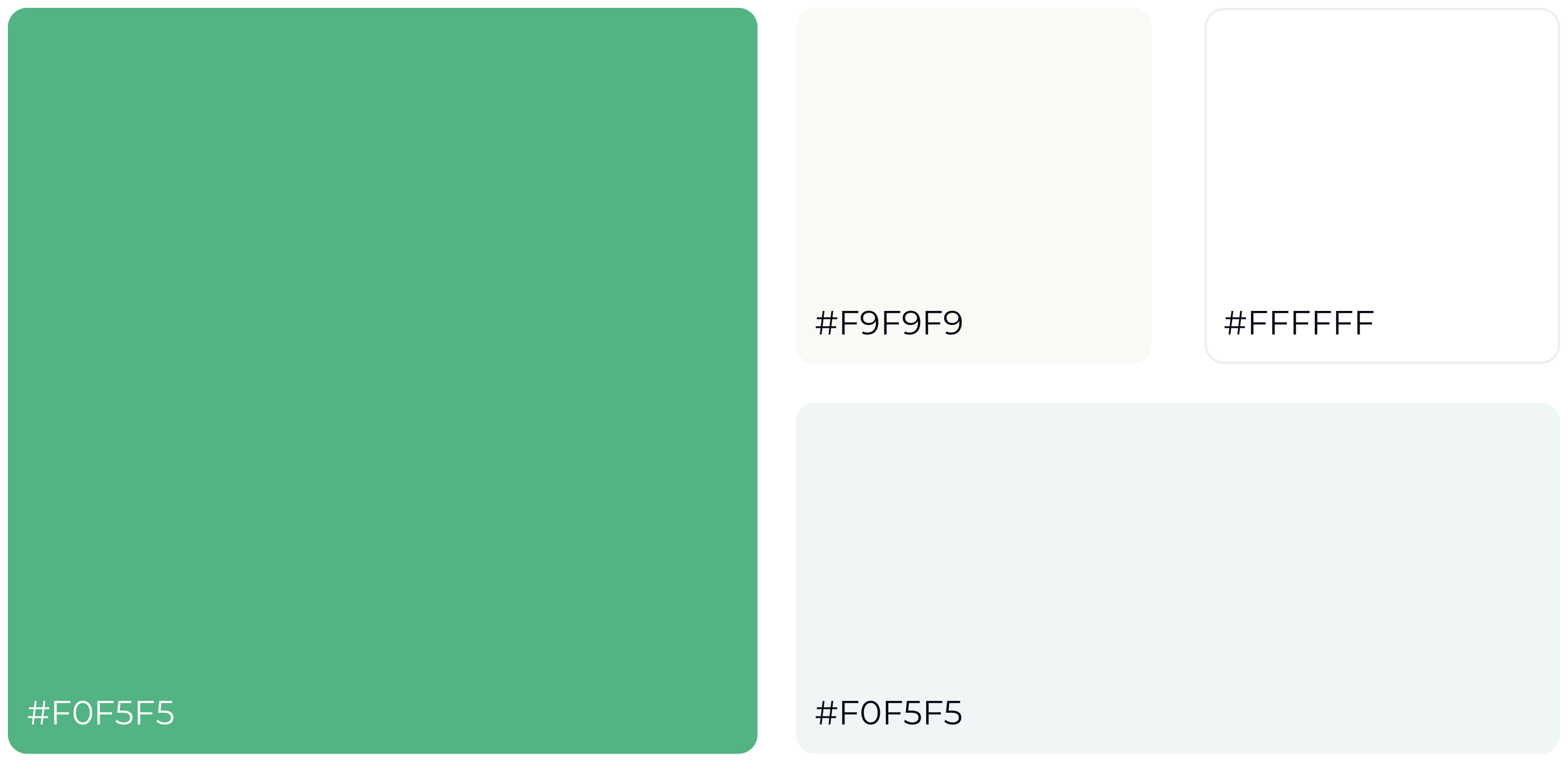
This includes establishing a color system deliberately employed to enhance the meaning or content hierarchy.

Grid system & spacing

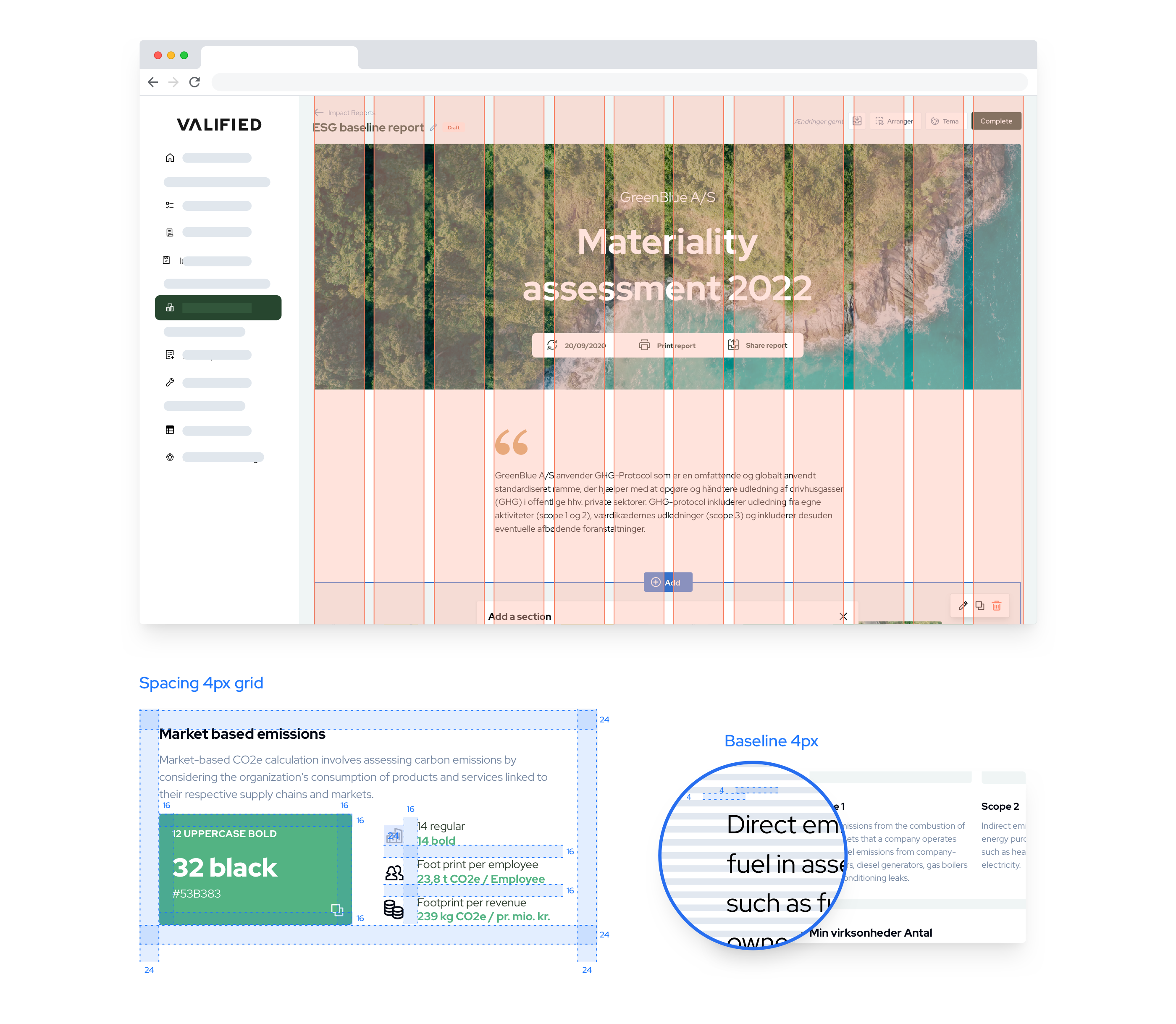
Grid enables layouts to adapt dynamically according to the screen size, ensuring consistent layouts throughout the product.

Generic components

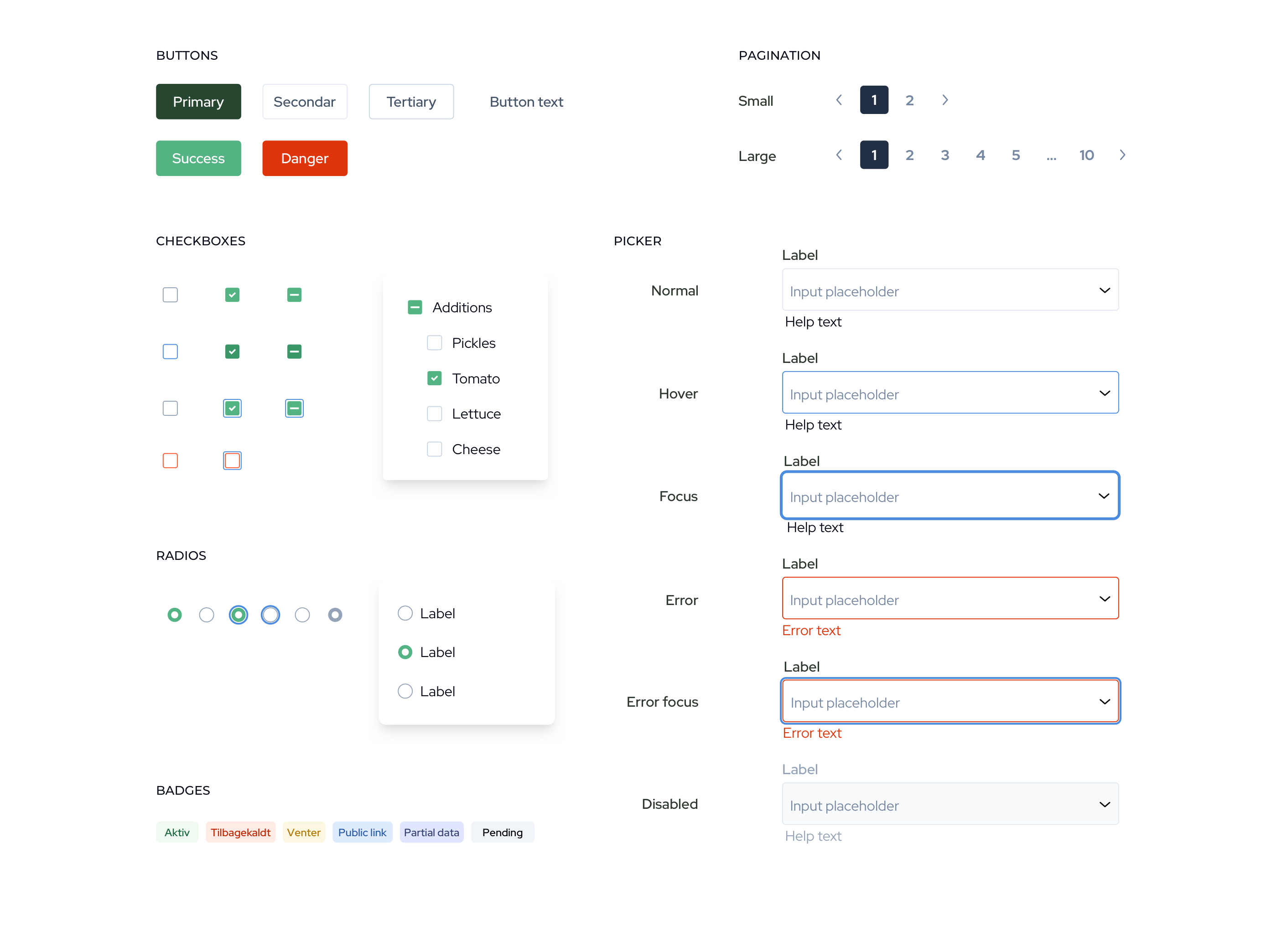
Components are designed to enhance the efficiency of product teams and promote a more cohesive and uniform product.